2.4 Create Order
Create Order
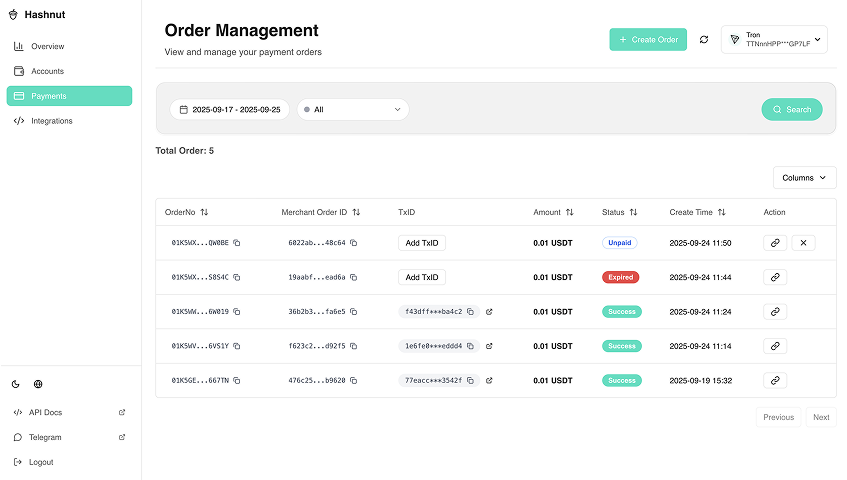
Step 1: Enter Order Interface
Click order button in left navigation bar.
Step 2: Select Smart Contract
Choose the smart contract to receive payment.
Step 3: Fill Order Parameters
Enter order details.
Step 4: Confirm Order
Click "Confirm" to create the order.
Step 5: Copy Payment URL
Copy the payment URL to send to user.
User Payment Process
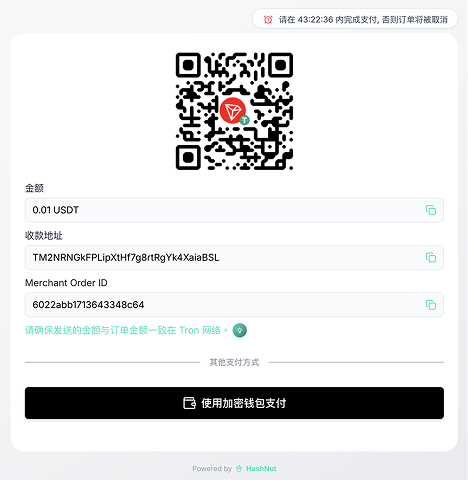
After receiving payment link:
- User clicks payment button on PC
- Payment QR code appears
- User scans QR code with imToken, TokenPocket, or other wallet apps
- User completes payment
Payment Notices
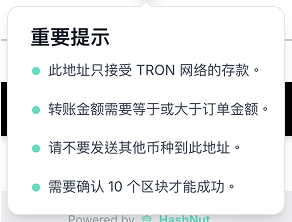
Important notices displayed during payment process.
Order Management
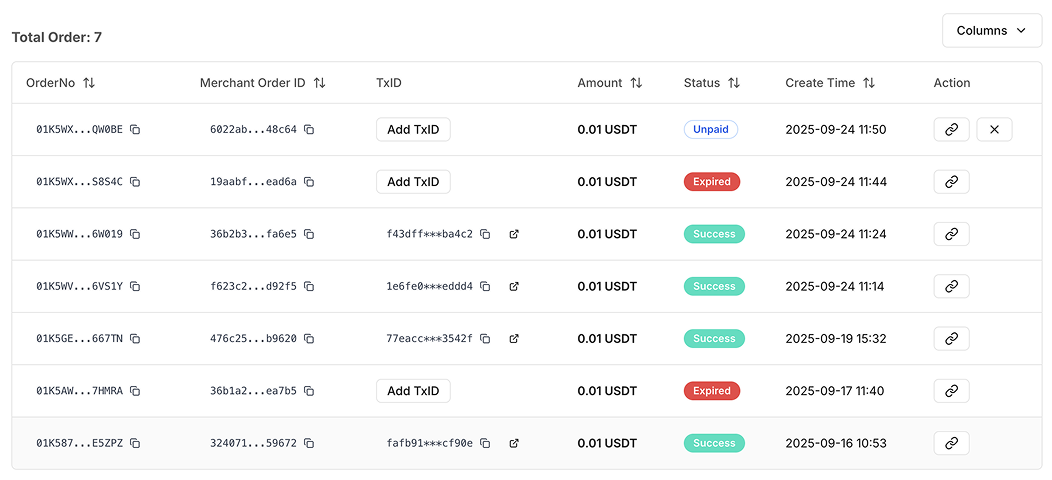
Monitor and manage all your orders from the order management interface.
Cancel Order
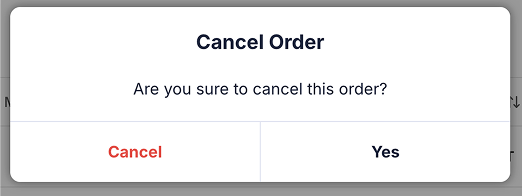
When to Cancel Orders
Cancel orders when:
- Customer requests cancellation
- Payment timeout occurs
- Technical issues prevent completion
How to Cancel
- Navigate to order management
- Find the order to cancel
- Click "Cancel Order" button
- Confirm cancellation
- Order status updates to "Cancelled"
Check Payment Status
Monitor order payment status in the order management interface.