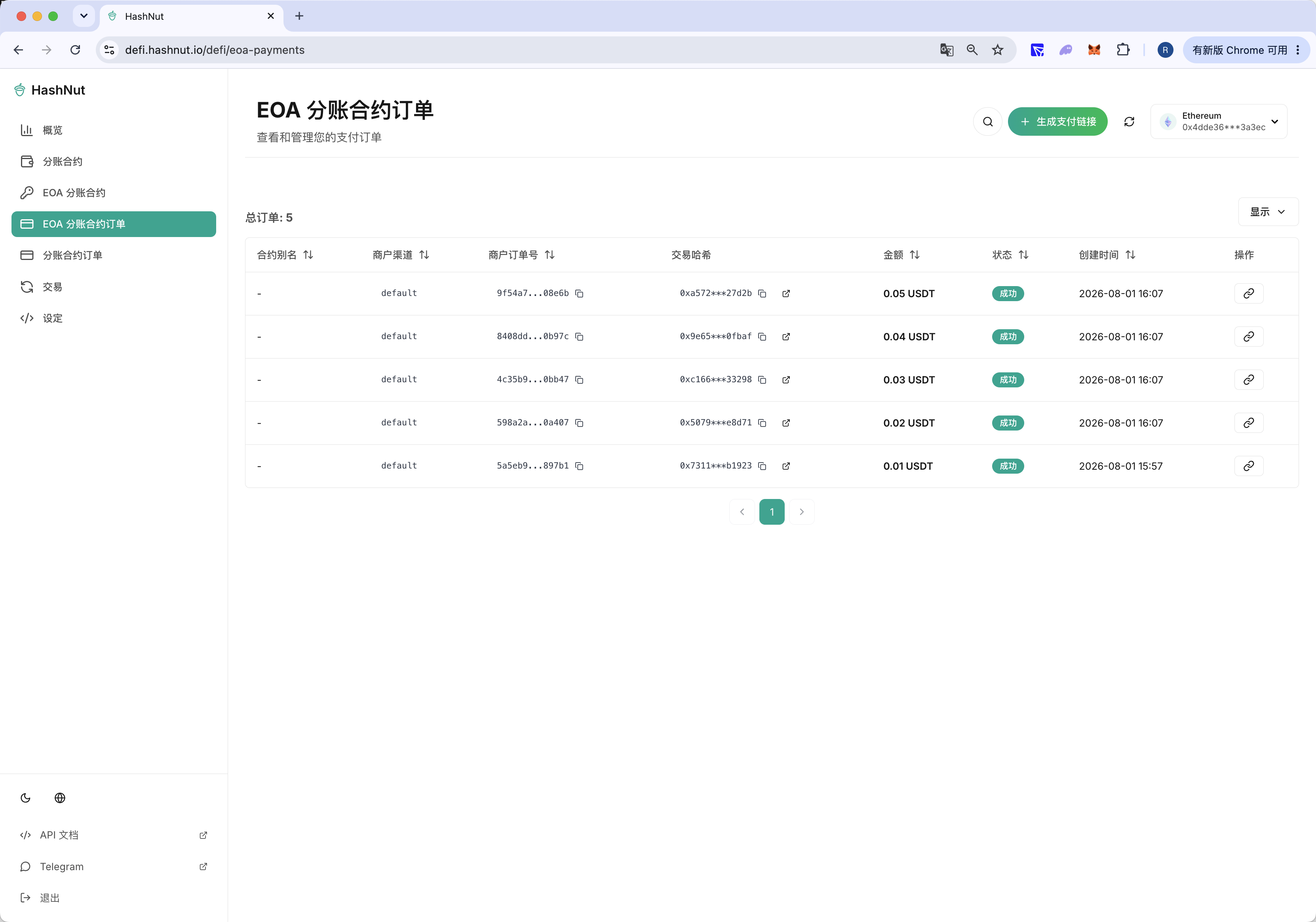
2.2 Create and Pay an Order
Creating an order from the dashboard verifies that HashNut picks up the incoming payment on the receipt address, and it sets up the funds needed to verify aggregation and withdrawal in the next two steps.
2.2.1 Sign in to the merchant dashboard
Open the HashNut Dashboard
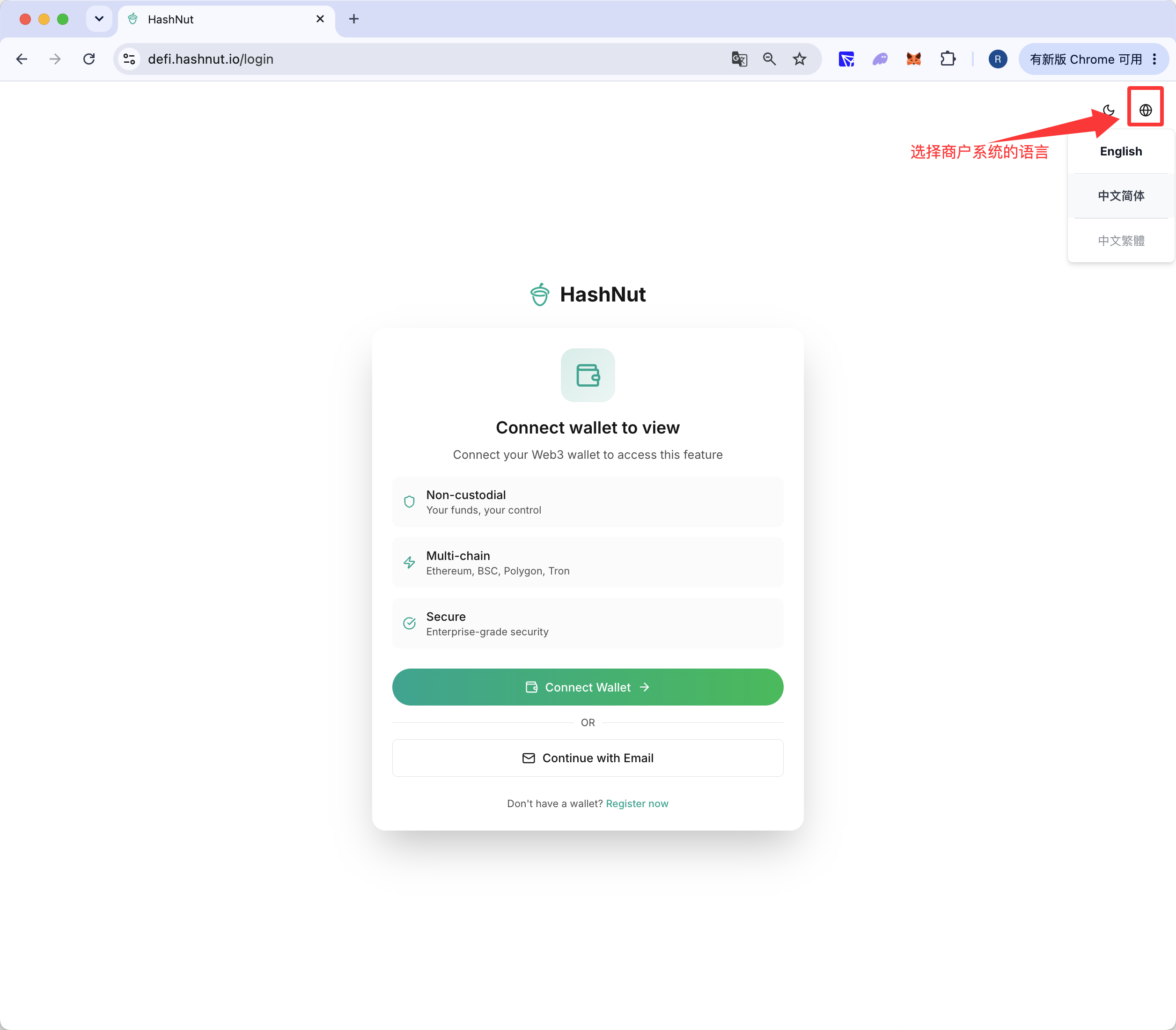
Choose your language on the sign-in page
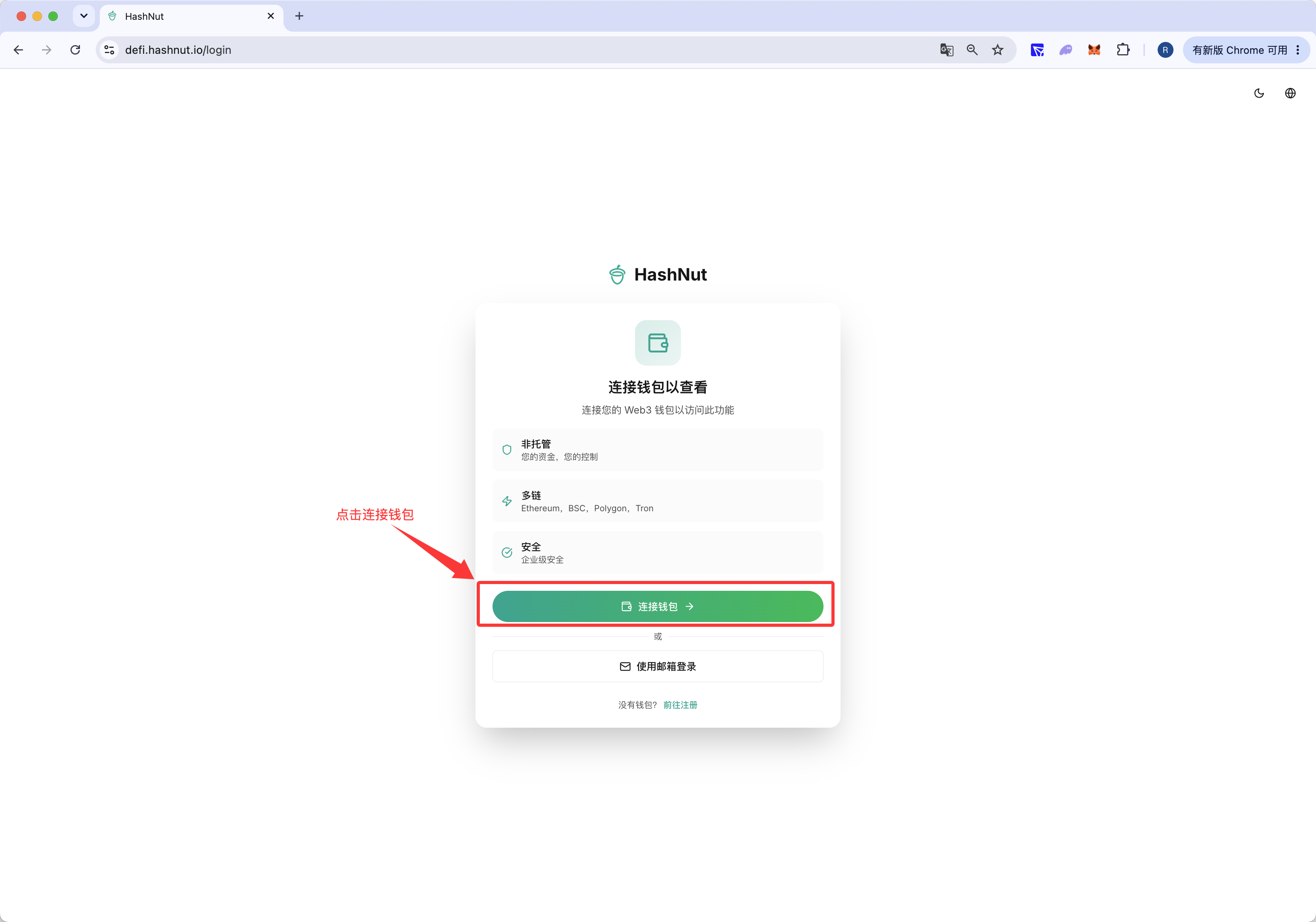
Click Connect Wallet
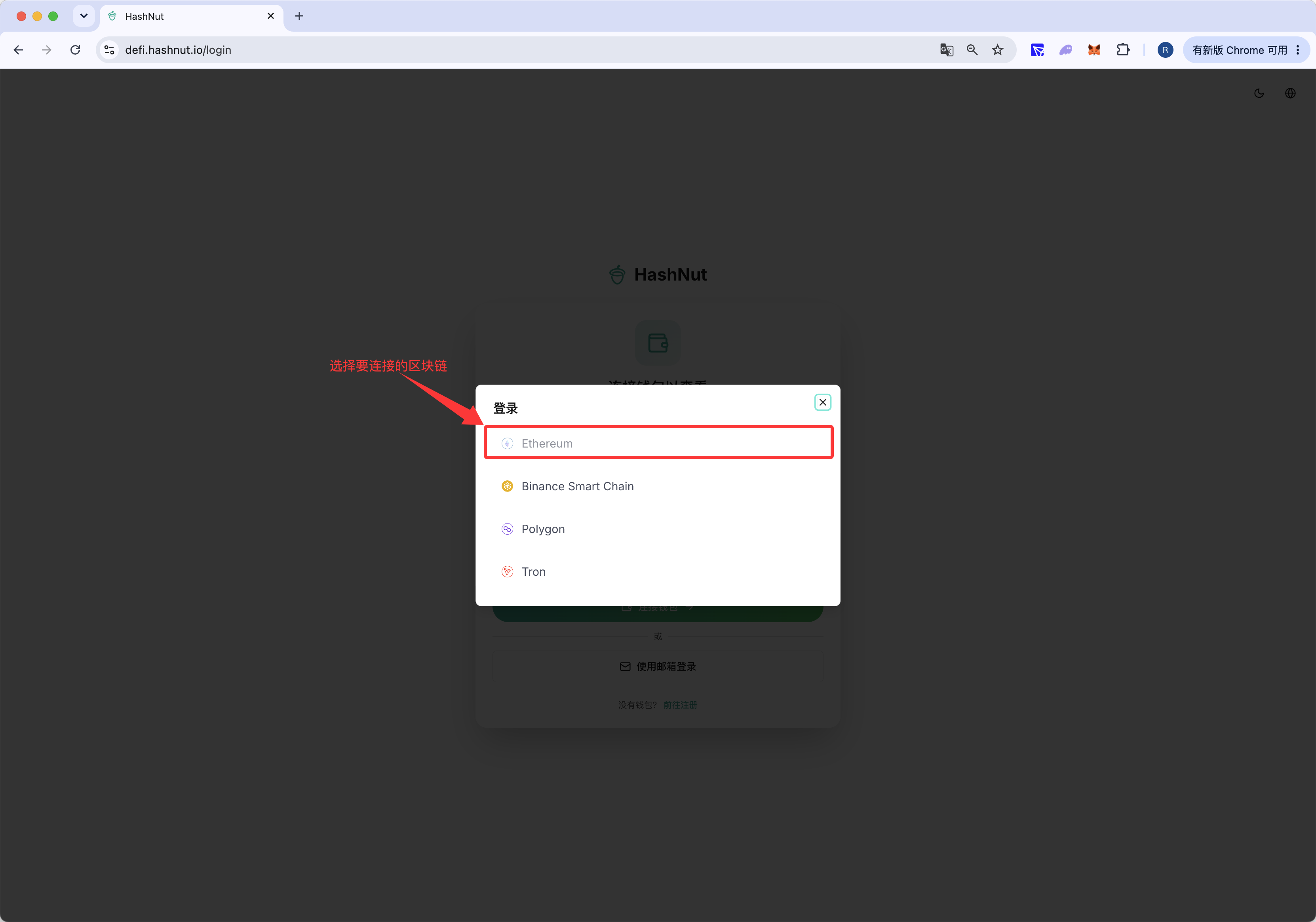
Choose the chain to connect
Confirm the sign-in in your wallet
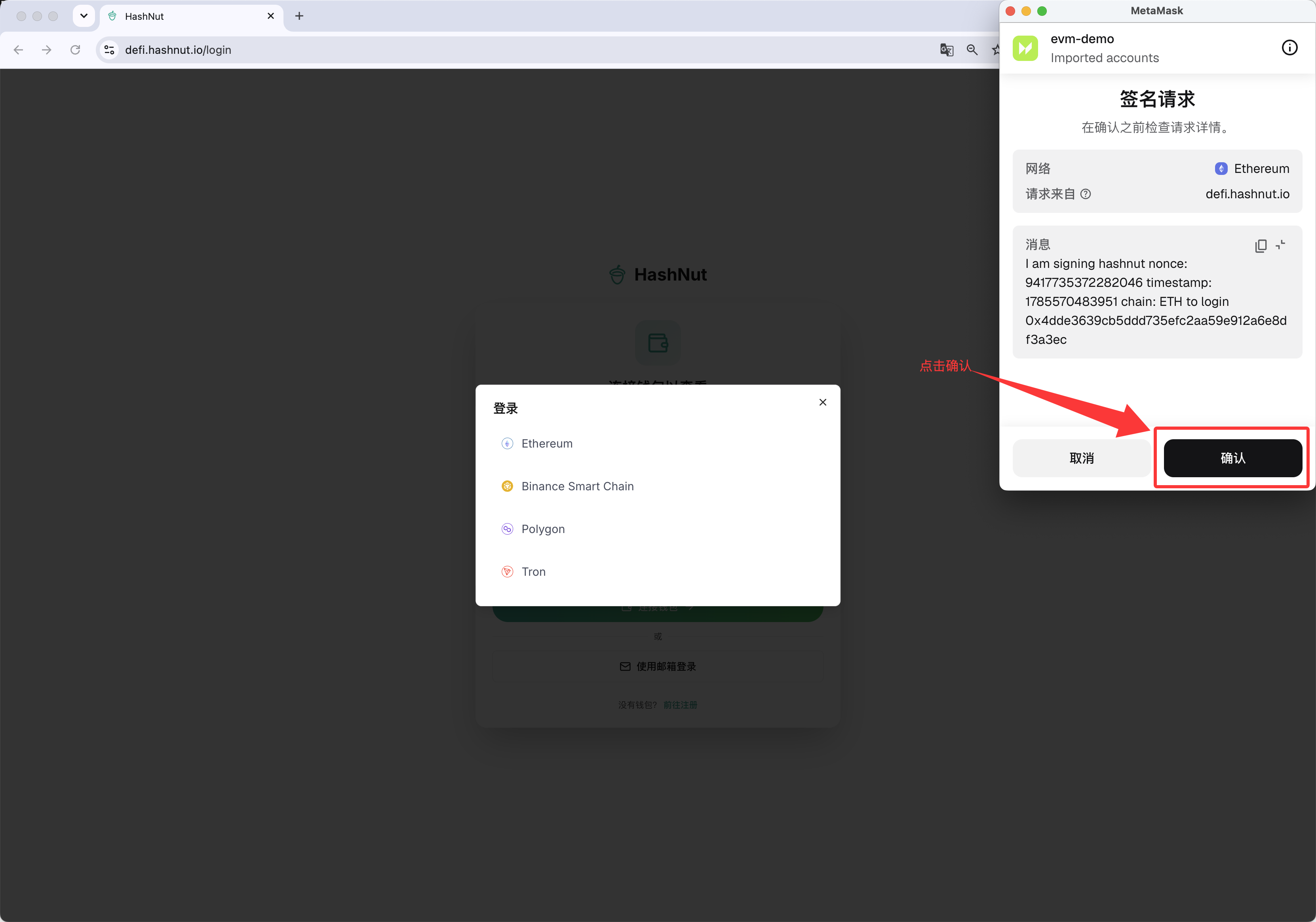
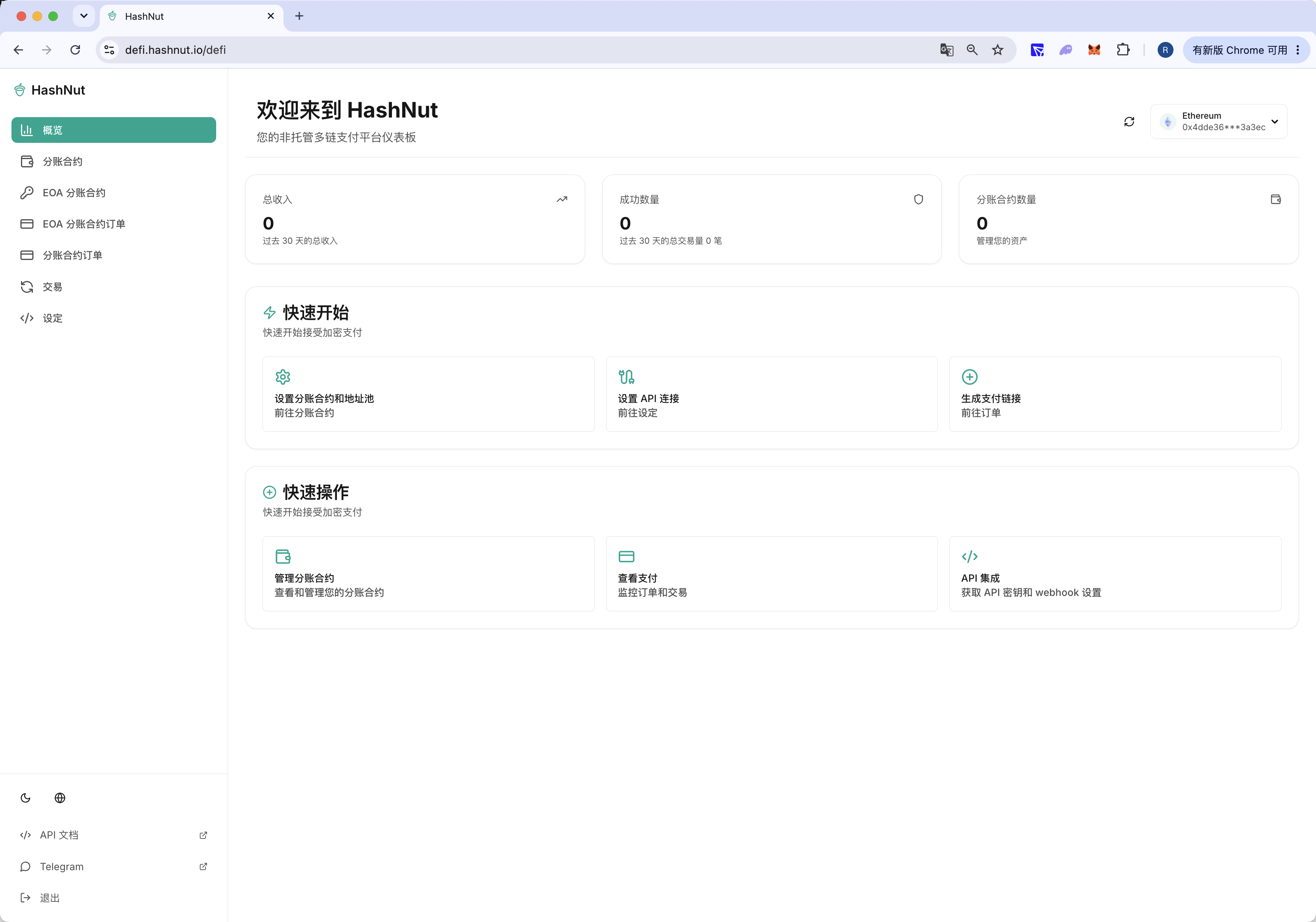
Signed in
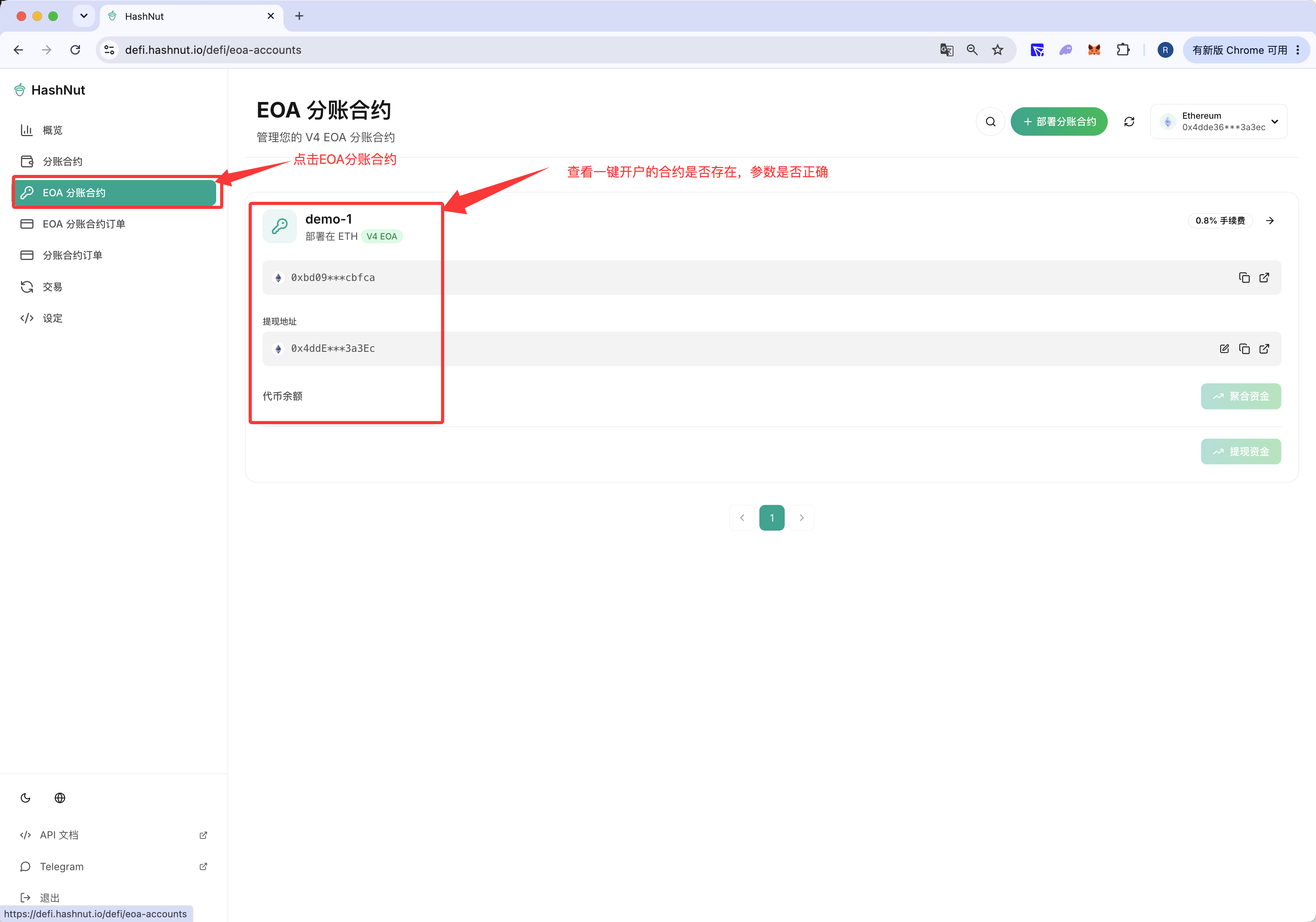
Check that the split contract you deployed is listed
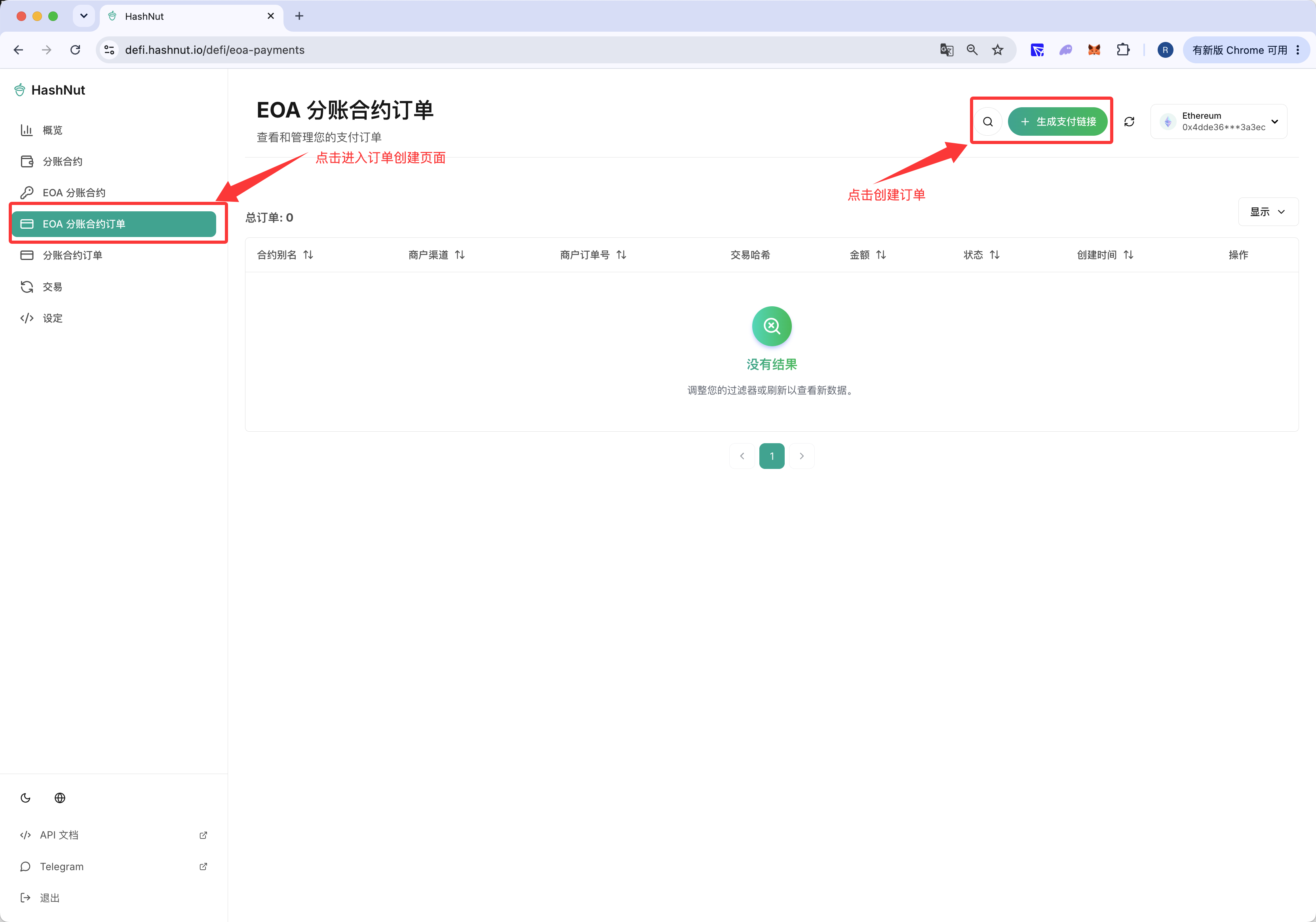
2.2.2 Create and pay one order
Open the order creation page
Fill in the order parameters
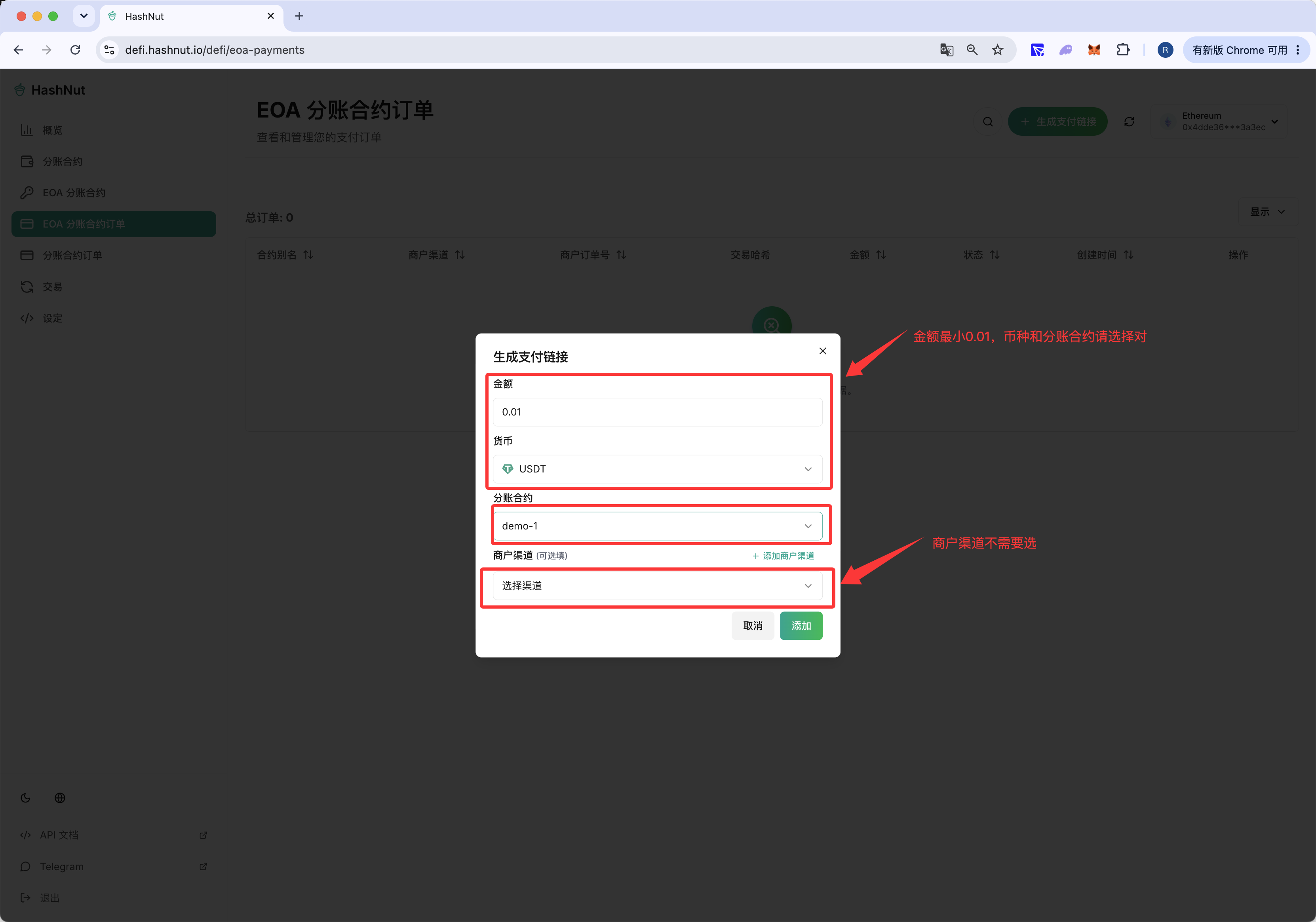
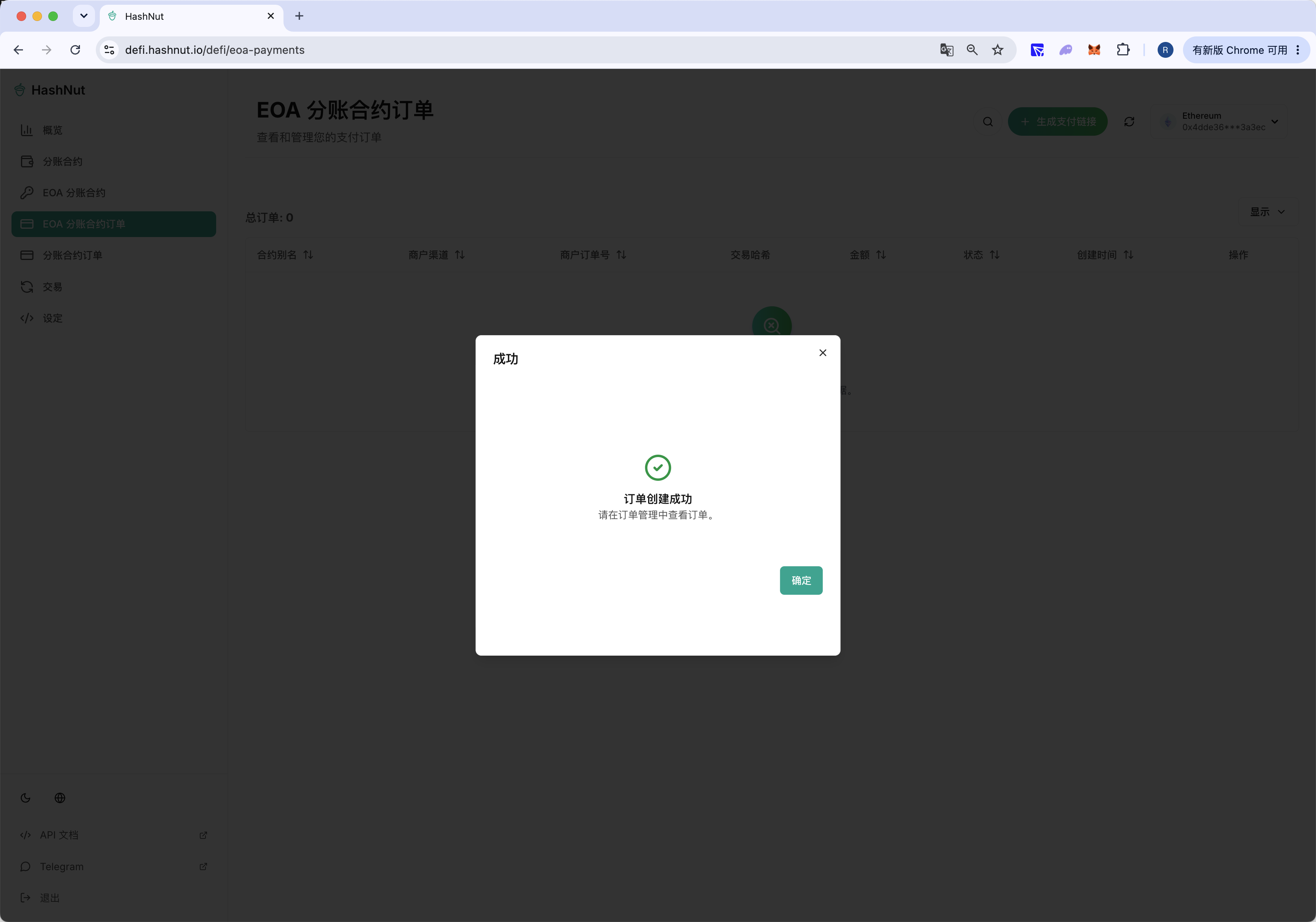
Order created
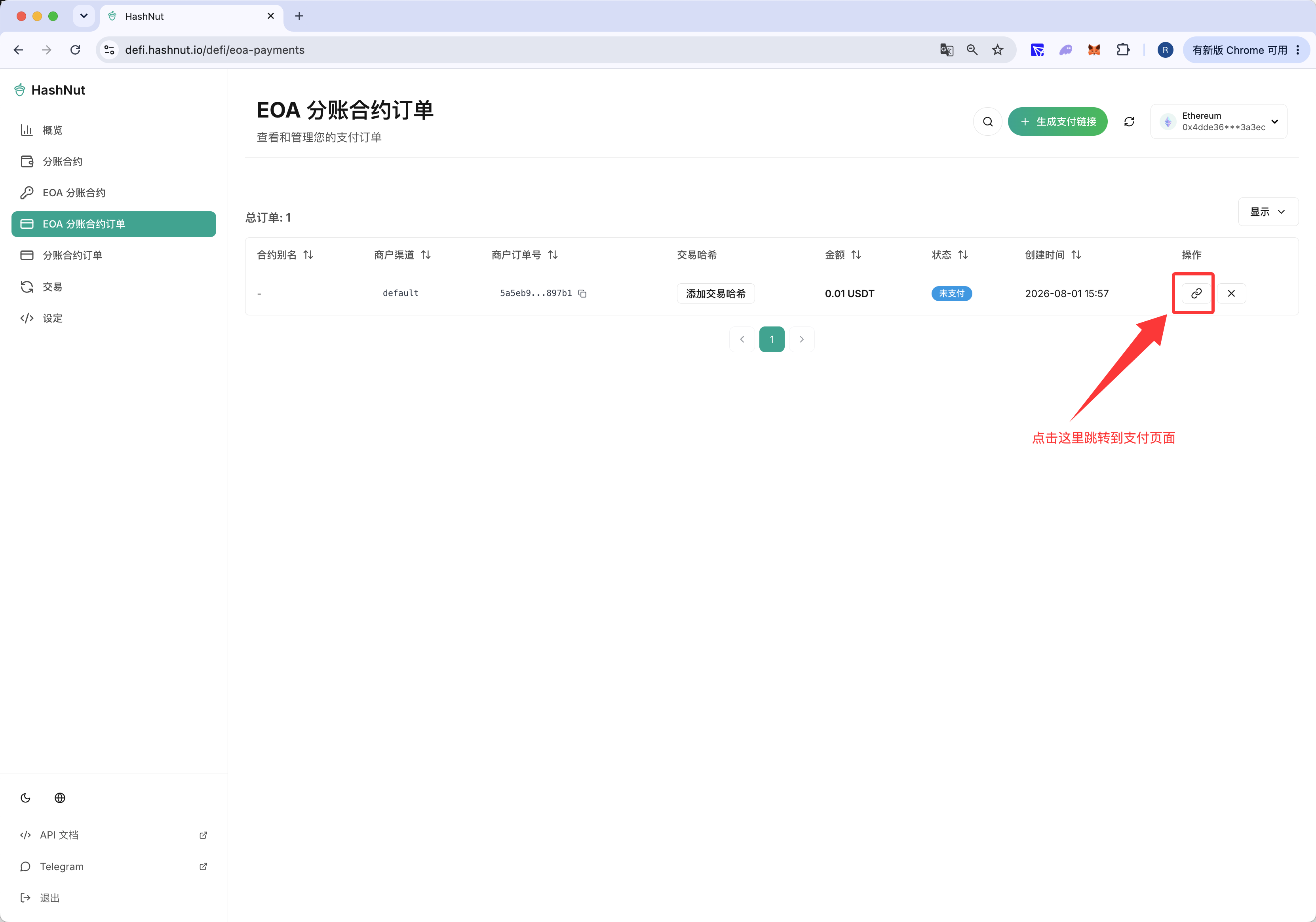
Click through to the payment page
The payment page
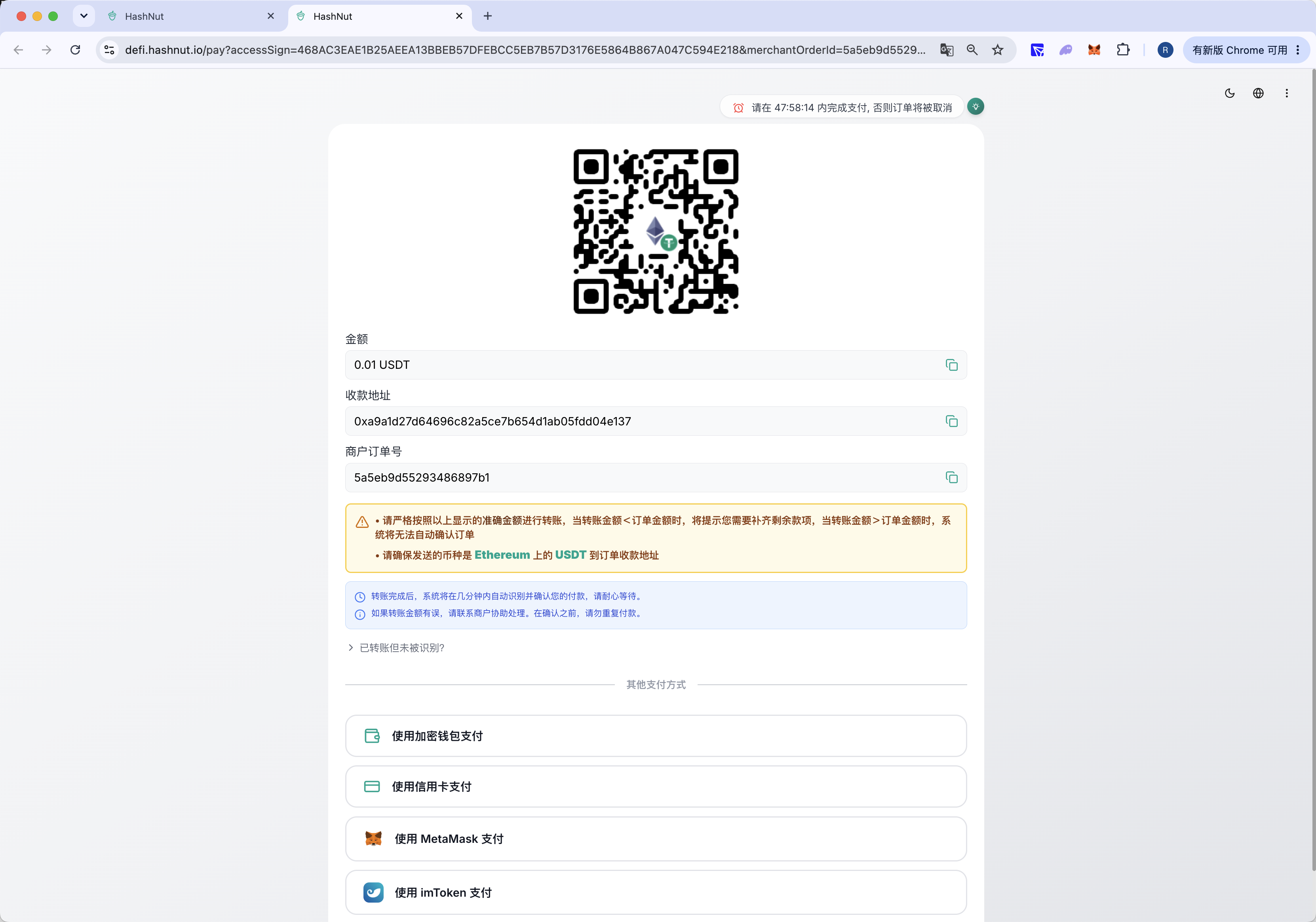
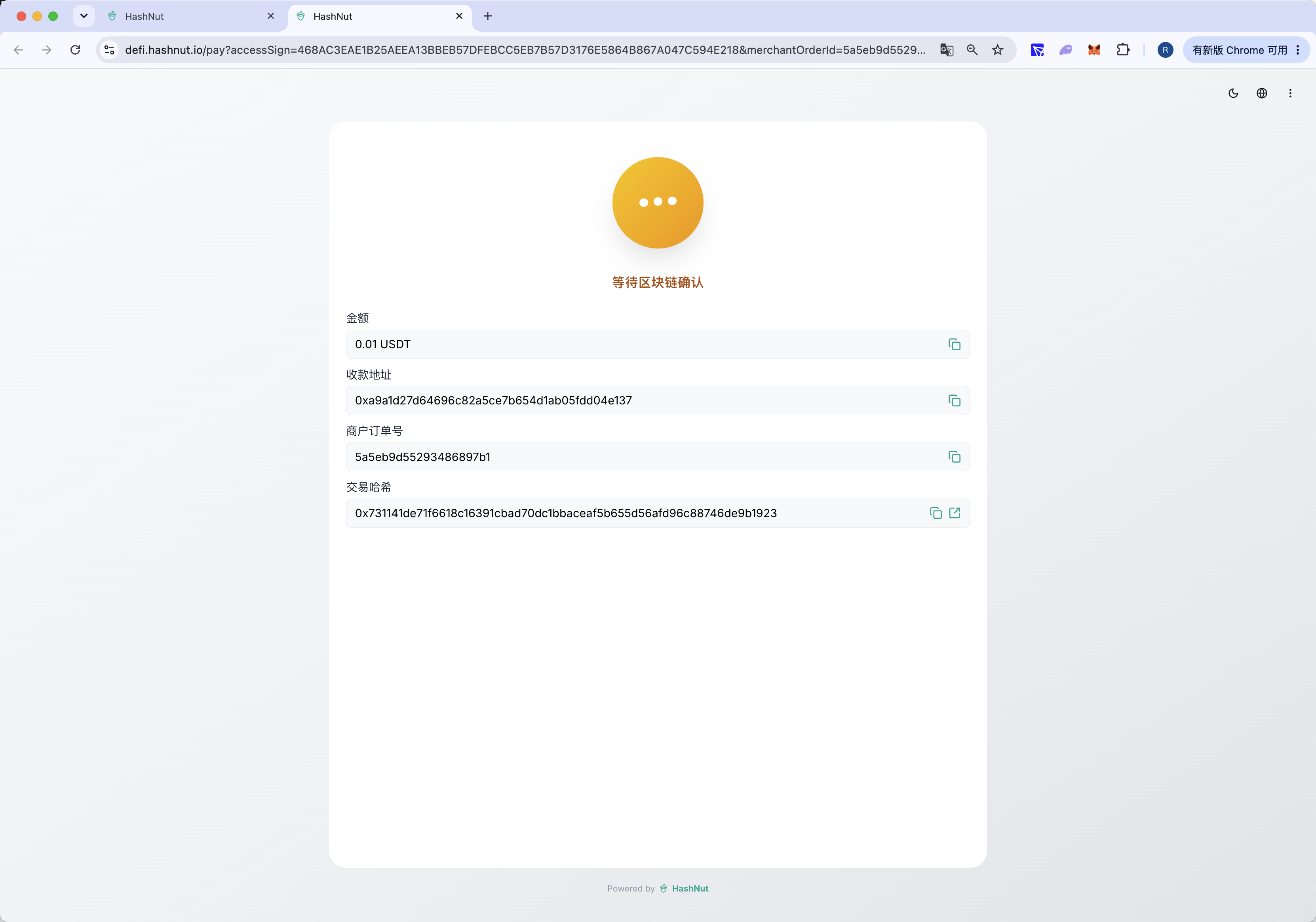
After paying, the order is confirming
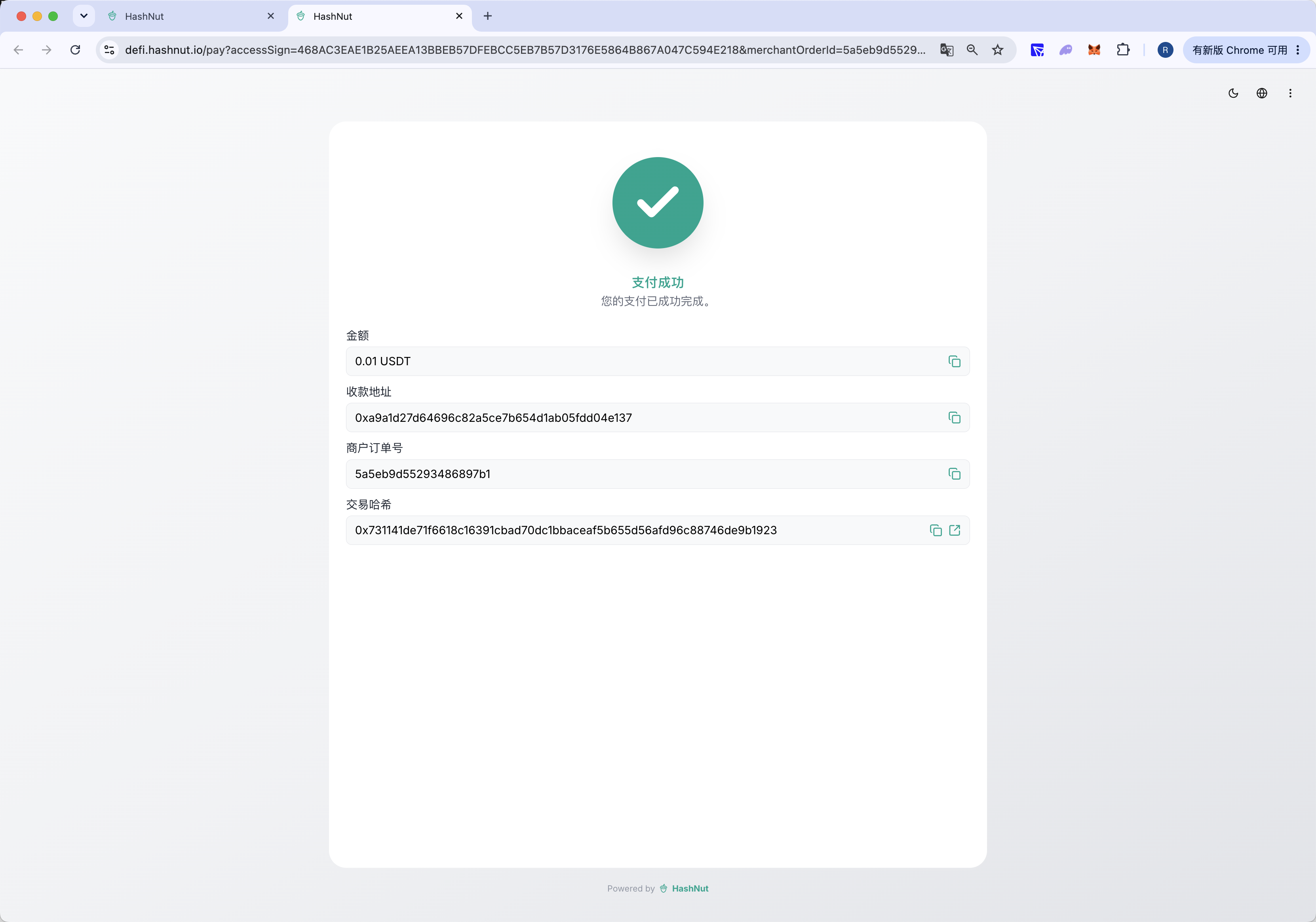
Order paid
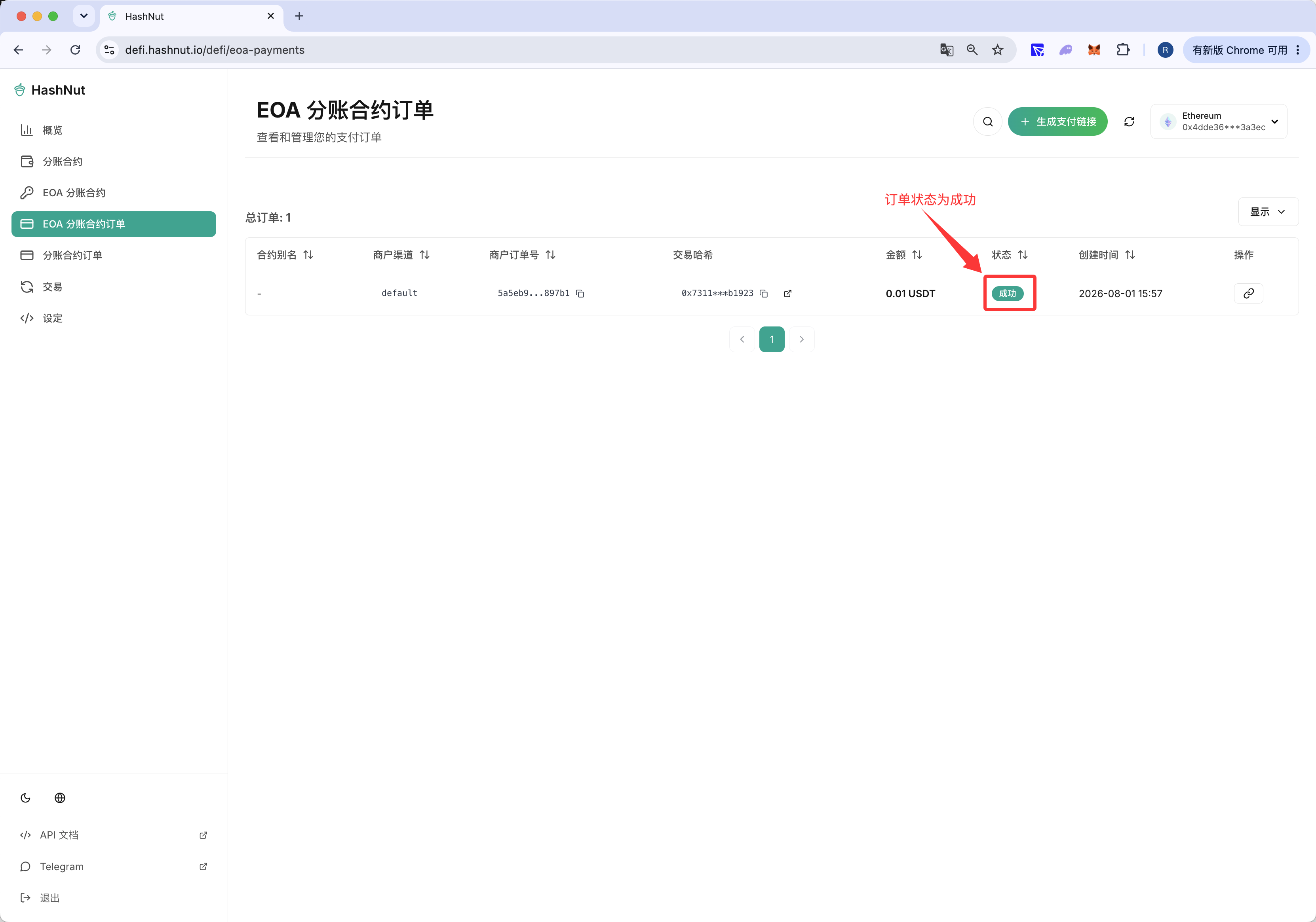
The order shows as paid in the dashboard
2.2.3 Create several small orders
Create and pay several small orders
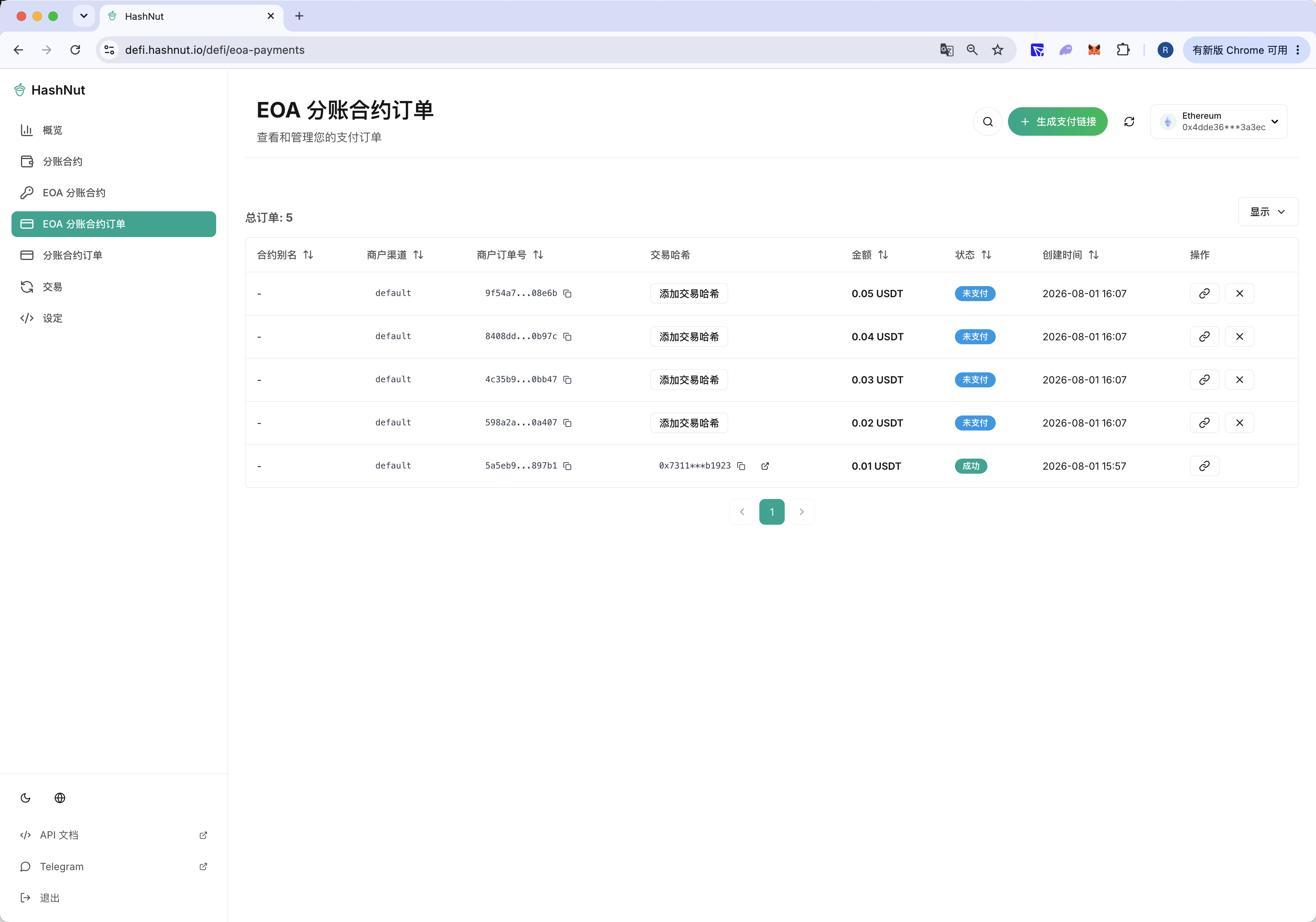
All of them paid